
Which Text-to-Image Model Should You Use for Realistic Client Photos? (2026 Guide)
Side-by-side guide to choosing the right photorealistic text-to-image model for commercial client briefs: Realify 2.0, FLUX 3 Image, Lumoz Image, Krea 3, and Imagen 4.
Short answer: When generating realistic photos for paid client work, use Realify 2.0 for natural human skin pores, candid DSLR optics, and zero "plastic AI sheen"; use FLUX 3 Image or Lumoz Image when the brief requires exact on-product text, packaging typography, or multi-reference composition; and use Krea 3 for editorial studio lighting. All five run under one pay-as-you-go API key on LumozAI.
Best Photorealistic Text-to-Image Models for Client Work
| Model on LumozAI | Strength for Client Deliverables | Best Client Use Case | Resolution & Controls |
|---|---|---|---|
| Realify 2.0 | Eliminates synthetic smoothing; authentic 35mm/85mm lens grain & skin micro-texture | Lifestyle campaigns, portraits, hospitality & fashion lookbooks | Custom aspect ratios, seed lock, realism tuning |
| FLUX 3 Image | Native up-to-4MP output, crisp packaging text, strict prompt adherence | Product hero shots, signage, multi-subject ad key visuals | Up to 4K, aspect ratio & reference support |
| Lumoz Image | Fast, balanced studio photorealism with strong layout control | Rapid client concepting, social ads, e-commerce staging | 1:1, 16:9, 9:16, 4:5 |
| Krea 3 | High dynamic range, dramatic editorial color grading | Luxury brand campaigns, architectural exteriors, hero banners | High-res studio output |
| Imagen 4 / Seedream 4.5 | Clean commercial lighting & natural daylight rendering | Catalog photography, food & beverage, interior staging | Multi-aspect commercial framing |
Agency Workflow: Delivering Print-Ready Client Assets
- Generate the base frame: Call Realify 2.0 (for people/lifestyle) or FLUX 3 Image (for products/typography).
- Lock brand consistency: In Lumoz Desk, attach your client's Playbook (hex palette, lighting rules, and reference shots) so every prompt automatically follows the brand system.
- Upscale for print & retina: Pass approved selects through 4K Image Upscaler or Crisp Upscale for final delivery.
Frequently Asked Questions
Which text-to-image model looks least "AI-generated" for human portraits?
Realify 2.0 on LumozAI is specifically tuned to preserve natural skin texture, subtle lighting falloff, and real camera optics rather than over-smoothed airbrushed skin.
Where can I compare per-image costs across all photorealistic models?
See the live LumozAI Image Models Directory and our full Cost-Per-Image Breakdown.
Recommended from LumozAI
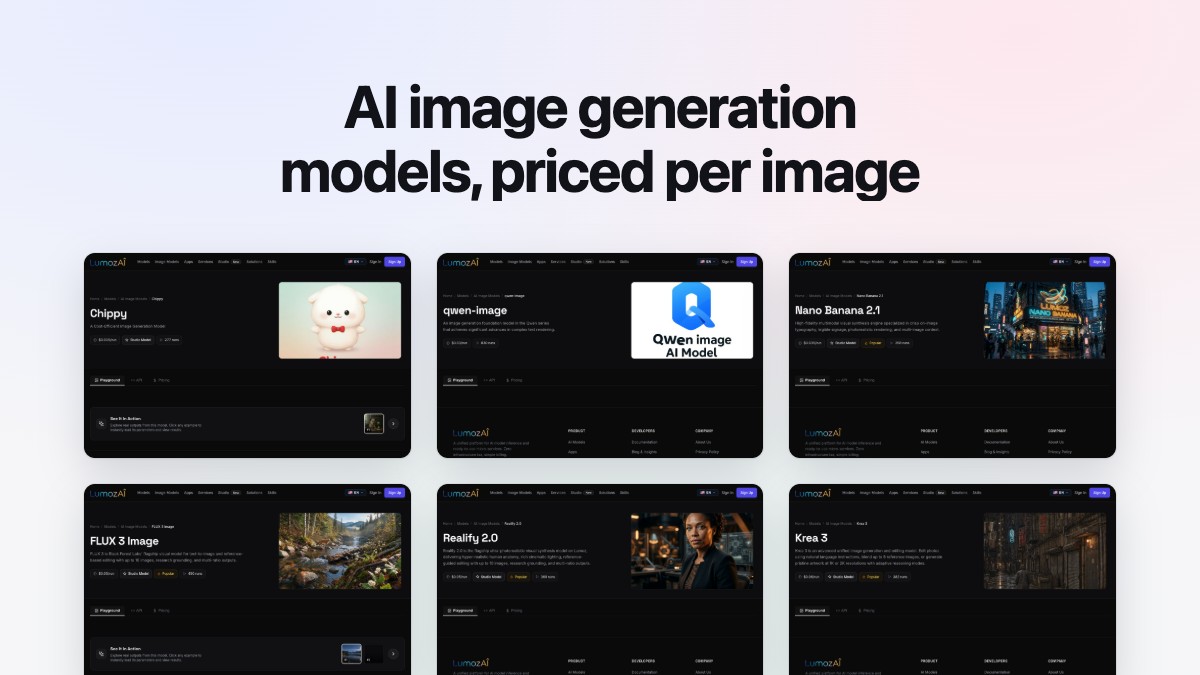
AI Image Generation Models: What Each One Costs Per Image (2026)
One image costs $0.015 on Chippy and $0.15 on FLUX 3 Image at 4k. This guide prices every image model on the LumozAI API one by one, explains input limits and resolution tiers, and calculates what 1,000 images costs at each tier.
Text to Image Models: Which to Use, What They Cost, and How to Run Them
A practical pricing and model-selection guide to all 25 text-to-image and image-editing models behind LumozAI's single /api/v4/run endpoint—from $0.002 SDXL Lightning to $0.095 Grok Imagine 2, with monthly volume math and working cURL/Python code.
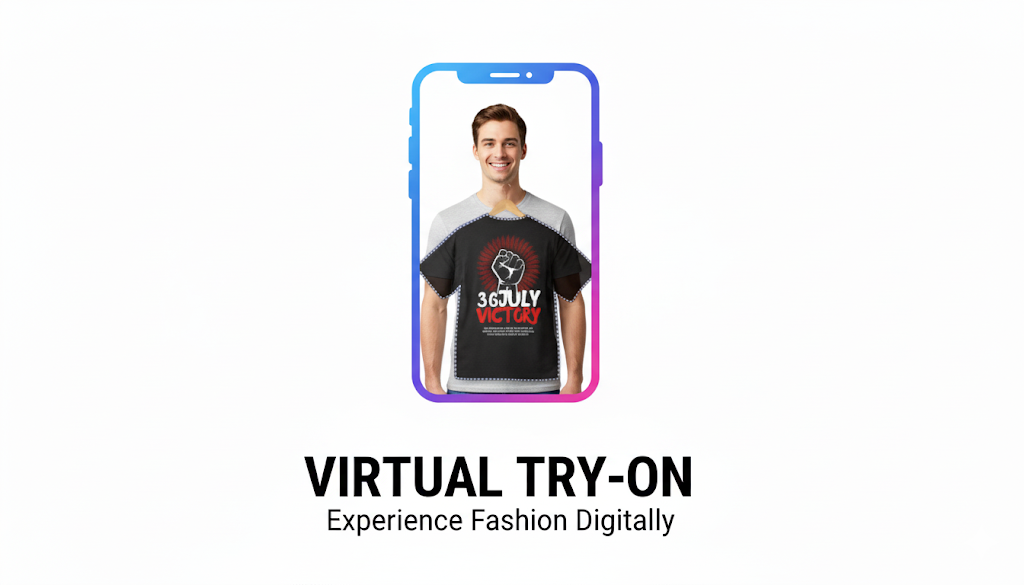
AI Fashion Try-On: Transforming E-Commerce
Discover how AI Fashion Try-On is transforming online shopping and fashion retail. This technology lets shoppers see realistic previews of outfits on models or themselves, helping retailers boost sales, reduce returns, and offer personalized experiences. Learn how developers can integrate AI try-on APIs, explore real-world case studies, and see the future of digital fashion with AR and the metaverse.