Transparent Image Maker
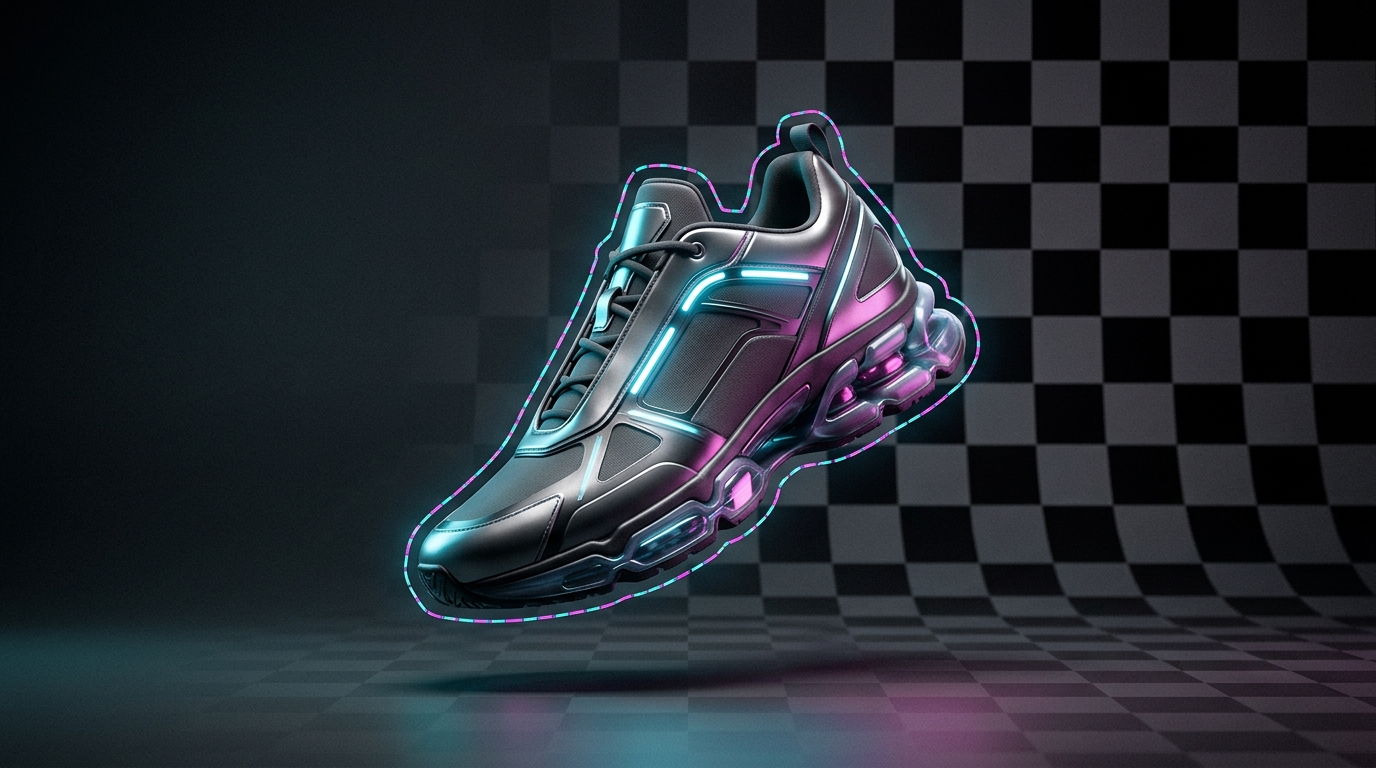
1-Click instant transparent PNG background cutout with sub-pixel edge detection

No image? Try one of these
How it works
Three steps. A few seconds.
-
01
Upload Image
Drop any photo, portrait, logo, or product image in PNG, JPG, or WebP.
-
02
Automatic AI Cutout
The neural network isolates the subject and strips the background in 2 seconds.
-
03
Download Transparent PNG
Save your clean, transparent PNG in original master resolution.
Why Lumoz
Built for clean, production-ready results
- State-of-the-art BiRefNet & RMBG-2.0 segmentation neural network
- Pixel-perfect hair, fur, transparent glass, and fine edge refinement
- True 32-bit transparent PNG export with full alpha transparency
- No monthly subscription — only $0.005 per run deducted from Lumoz balance
- Zero file compression or resolution downsampling on downloaded cutouts
Preços
Pay per image, not per month
| Lumoz | Typical subscriptions | |
|---|---|---|
| Cost per cutout | $0.005 (Half a cent) | $0.20 – $1.00 / image |
| Monthly subscription | Never (Pay as you go) | $12.99 – $39.00 / month |
| Edge & hair resolution | BiRefNet 2.0 Sub-pixel | Often jagged or feathered |
| Alpha channel clarity | True 32-bit lossless PNG | Compressed 8-bit or watermarked |
FAQ
Frequently asked questions
How do I make an image background transparent?
Simply drag and drop your photo into the Transparent Image Maker box above. The AI will automatically detect the subject, erase the background, and output a transparent PNG within 2 seconds.
What image formats support transparency?
PNG and WebP formats support full alpha transparency. JPG does not support transparency and will automatically be converted to PNG upon download.
Does this transparent image maker work on logos and signatures?
Yes! The model handles graphics, scanned signatures, handwritten notes, and logos just as cleanly as human portraits and products.
Need this in your own product?
The same engine is available through the Lumoz REST API for Python, Node.js and PHP.