YouTube & Social Thumbnail Studio
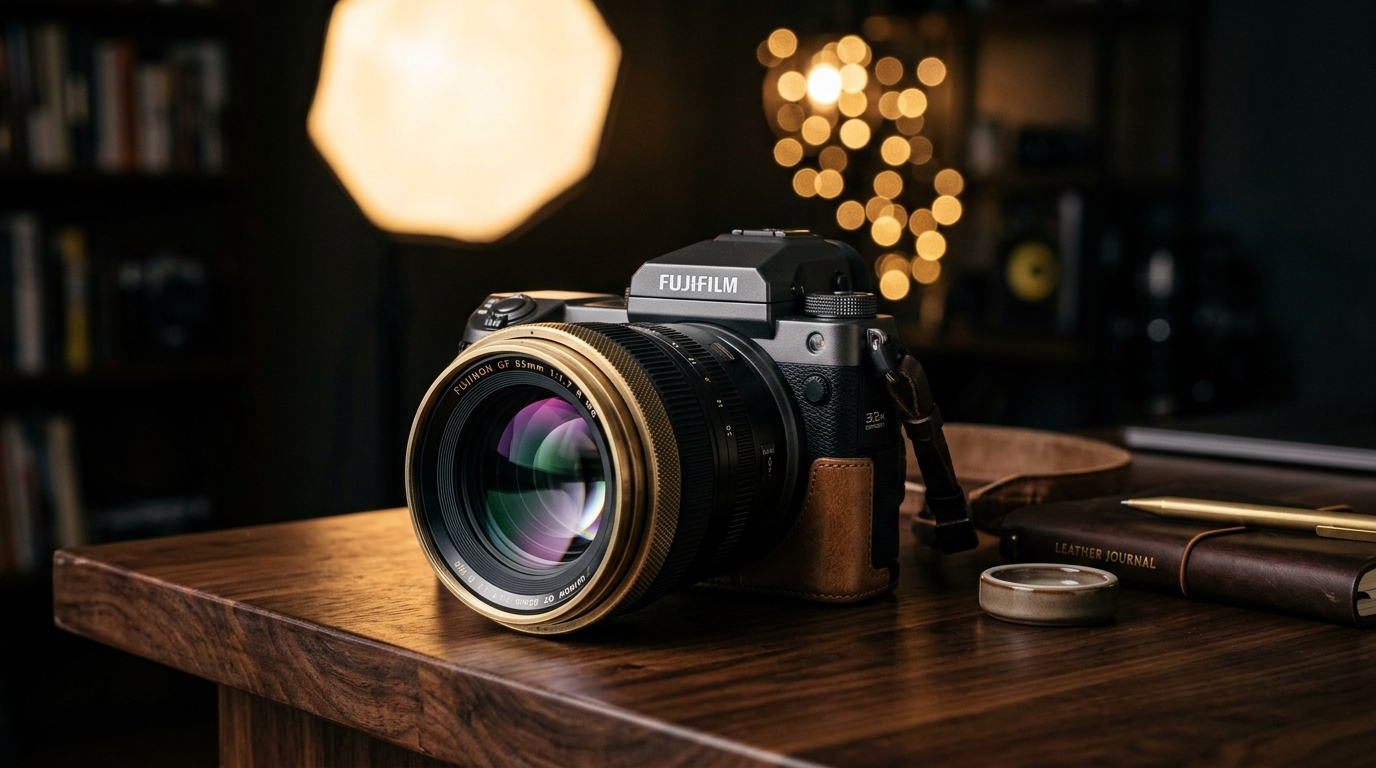
Create high-CTR 16:9 YouTube video thumbnails based on your photo with expressive lighting and viral compositions


No image? Try one of these
How it works
Three steps. A few seconds.
-
01
Upload Face or Product Photo
Upload a photo of yourself, your product, or a subject you want in the thumbnail.
-
02
Select Viral Style or Preset
Pick Tech Glow, Finance Studio, Gaming Flare, or Creator Vlog, and add optional text.
-
03
Download 16:9 Thumbnail
Get a vibrant, high-CTR 16:9 YouTube thumbnail ready to upload directly to YouTube Studio.
Why Lumoz
Built for clean, production-ready results
- Powered by Lumoz Image flagship multimodal visual synthesis engine
- Native 16:9 aspect ratio (1280x720 / 1920x1080) optimized for YouTube
- Composes thumbnail directly around your uploaded face, character, or product photo
- High-contrast visual design engineered for maximum Click-Through-Rate (CTR)
- Cost-effective fast preview generation with optimized low-latency synthesis
- Only $0.038 per thumbnail generation with instant high-res export
الأسعار
Pay per image, not per month
| Lumoz | Typical subscriptions | |
|---|---|---|
| Cost per thumbnail | $0.038 (3.8 cents) | $15 – $50 (Freelance designer) |
| Turnaround speed | 5 – 8 Seconds | 1 – 2 Days |
| Aspect ratio | Native 16:9 YouTube standard | Often square or requires manual cropping |
FAQ
Frequently asked questions
Is the aspect ratio automatically 16:9 for YouTube?
Yes! The thumbnail studio outputs in native 16:9 widescreen format, perfectly formatted for YouTube video thumbnails.
Does it generate the thumbnail based on my uploaded photo?
Yes! The Lumoz Image multimodal engine takes your uploaded subject, face, or product and composes the thumbnail around them with dramatic lighting, custom backdrops, and high CTR visual hooks.
Need this in your own product?
The same engine is available through the Lumoz REST API for Python, Node.js and PHP.